 TaskMind
Cross-platform apps in the age of artificial intelligence
Artificial intelligence is changing the way applications are built and also what an application can do. But no, apps don't build themselves. Here is what has really changed, what stays the same and how to make the most of it if you are thinking about an app for your business.
What is a cross-platform app?
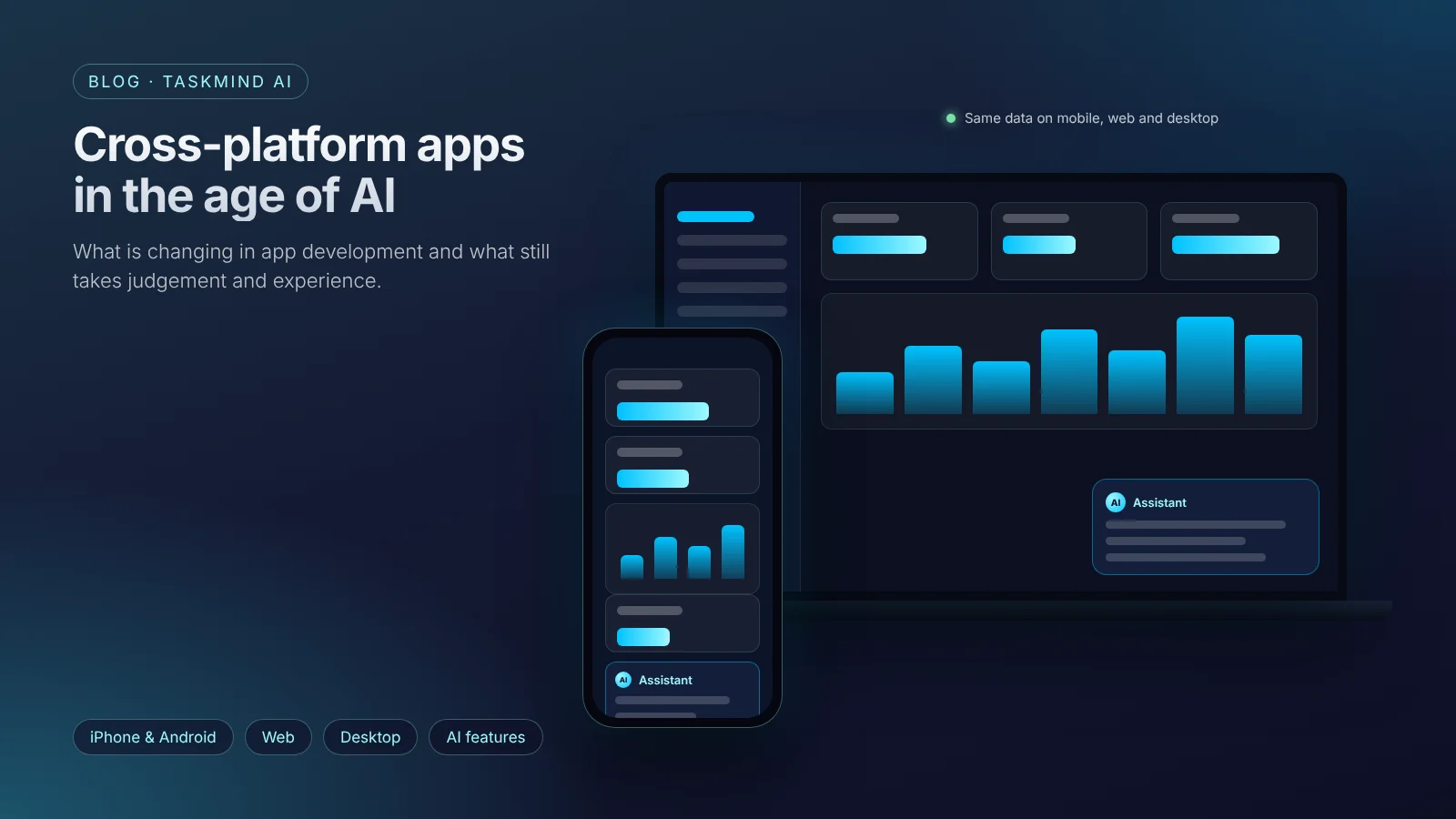
A cross-platform app is one that runs in several places at once from a single project: on mobile (iPhone and Android), in the browser and, if needed, on the computer. Your clients or your team use the same application, with the same data, wherever they are.
For a business the advantage is clear: a single project to maintain instead of a different app for each system, and a consistent experience for every user.
How AI is influencing app development
AI has become one more tool in the process, just as design software and cloud services once did. Its effect is felt above all in four areas.
Ideas you can see and try sooner
Going from an idea to a clickable prototype is much faster. That means you can show the app to real users and make decisions with something in front of you, rather than a document.
More time for what matters
The most repetitive parts of the work weigh less, and time goes into what makes the difference: understanding the business, designing a good experience and getting the details right.
Improving without fear
Testing a version, gathering feedback and improving it is quicker. Apps are no longer launched “finished”: they start with the essentials and grow with use.
More thorough reviews and testing
AI helps spot bugs and check more usage scenarios, always as support for a team's testing, not as a replacement.
What AI doesn't do on its own
Here is the big misunderstanding. AI speeding up the work doesn't mean an application builds itself or that you just need to ask a program for it. An app that really works for a business still needs:
- Understanding the problem: what your clients or team need and what is unnecessary.
- Design decisions: what the user sees first, how it feels to use and what happens when something goes wrong.
- Security and data protection: access, permissions, GDPR compliance and backups.
- Connection with what you already use: your website, your CRM, your invoicing system or your online shop.
- Release and maintenance: the app stores, operating system updates and how the app evolves over time.
Without that judgement, speed only gets you sooner to an app nobody uses. AI multiplies the work of an experienced team; it doesn't replace it.
AI inside the app: features that were once unthinkable
The other big change isn't in how apps are built, but in what they can do. Features that used to be within reach of large companies only now make sense for a small business:
- Assistants that answer your clients' questions inside the app itself.
- Automatic document reading: photos of invoices, delivery notes or receipts that turn into data.
- Summaries and reports based on the information you already have.
- Searches written the way you speak: “this month's unpaid orders”.
- Voice and translation for teams or clients who speak other languages.
- Personalised recommendations based on how each person uses the app.
The key is to use them where they add value, not because they are trendy: a good app with one well-chosen AI feature is worth more than an app full of features nobody asked for.
Examples of apps that make sense for a small business
- Job reports for technicians: photos, client signature and the report sent instantly from a phone.
- Bookings and appointments for clinics, gyms or workshops, with automatic reminders.
- Inventory or orders in an internal app connected to the spreadsheet or software the company already uses.
- Client area with their history, their documents and an assistant to answer questions.
- Tracking and habits, like the workout app we have built.
How to plan your business app
- Start with the problem, not the technology: which task or experience do you want to improve?
- Define who will use it: your clients, your team or both.
- Choose the essentials for a first version; the rest can wait.
- Validate with a prototype before investing in full development.
- Launch, measure and improve based on what real users tell you.
Conclusion
AI has made building applications faster and allowed apps to do more. What hasn't changed is the essential part: a good application starts from understanding the problem well and is built with judgement, good design and care for its users' data.
If you have an app idea for your business and want to know whether it makes sense, we can help with custom app development with AI, from the first idea to release.